Always in Sync with Crescat Calendar Links
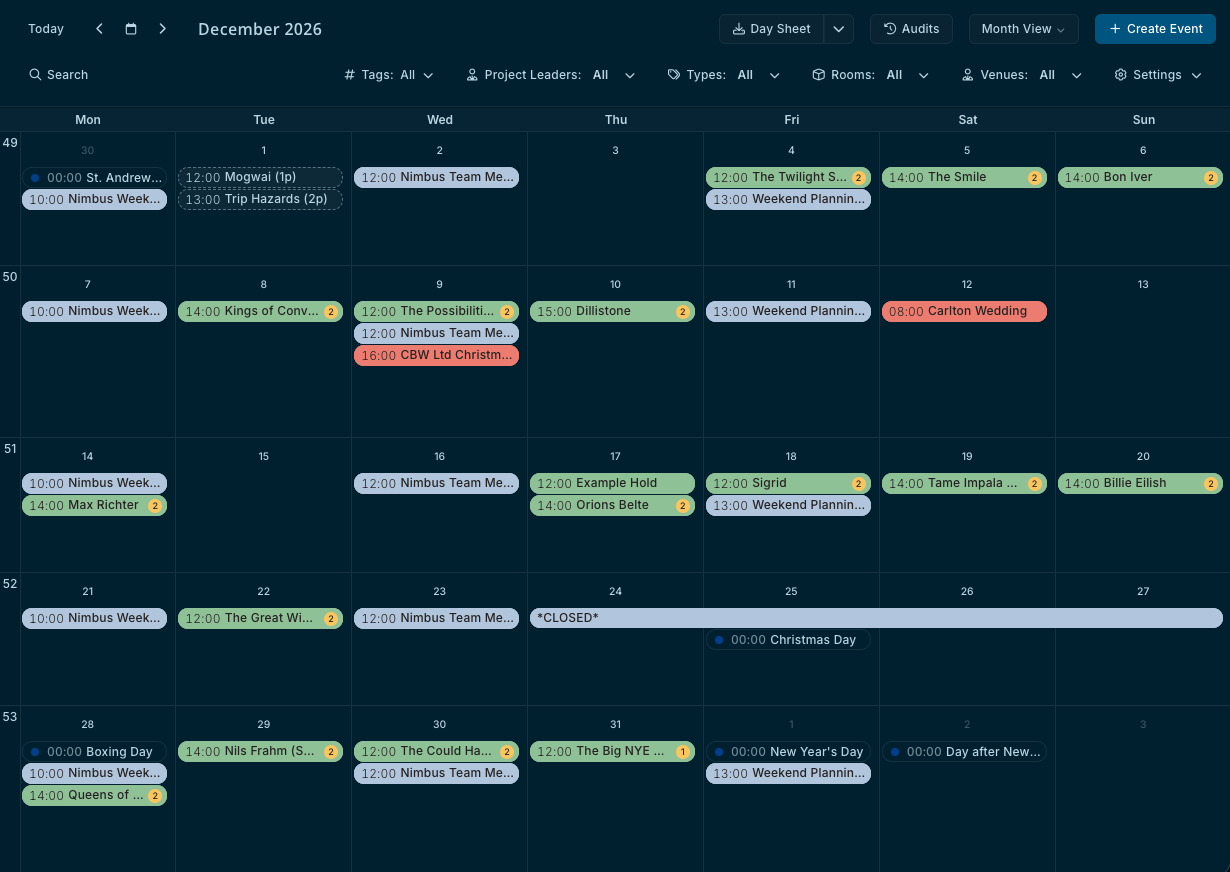
Juggling multiple calendars? Calendar Links syncs your Crescat schedules with the calendar apps you already use, such as Google Calendar and Outlook. Everyone sees the latest plan in their own calendar, without the scheduling headaches.
How It Works:
Unique Links: Generate a unique calendar link for your organisation, a subgroup or a team.
Choose What Syncs: Use the Calendar Links toggles to decide exactly what's included: show times, the event timeline, or a link back to the event in Crescat.
Always in Sync: Your shared schedule stays in step with Crescat, so nobody works from an out-of-date copy.
Who It's For:
Collaborators: Keep your team in the loop with shared schedules, for smoother collaboration.
Clients: Let clients see your availability for hassle-free booking, building trust and saving time.
Stakeholders: Keep stakeholders informed and involved, without giving them access to Crescat.
Benefits:
No Double Entry: Plan once in Crescat and let every calendar follow.
Fewer Scheduling Headaches: One source of truth, wherever people look.
Share in a Flash: Send a link instead of exporting and emailing schedules.
Want customers to check availability and send booking requests? See Shared Calendar. Read more about choosing what syncs in our Event Timeline upgrades post.