Feature Upgrade: Build New Templates in Seconds with Template Duplication
Your best templates took time to get right. Now you can reuse that work. Crescat now lets you duplicate templates, so a new template starts from one you already trust, not a blank page. Copy it, tweak what's different, and you're done.
It's built for the moments planners know well: you need to set up a workflow, but there’s only a few small differences to another workflow you have. So instead of having to build that workflow out from scratch, you can now take an existing template and make the changes you need.
Plan the Event: Metadata, Timelines, Running Orders, Tasks and Checklists
The templates that shape the day itself are often the most detailed, and the most painful to rebuild. Duplicate them instead.
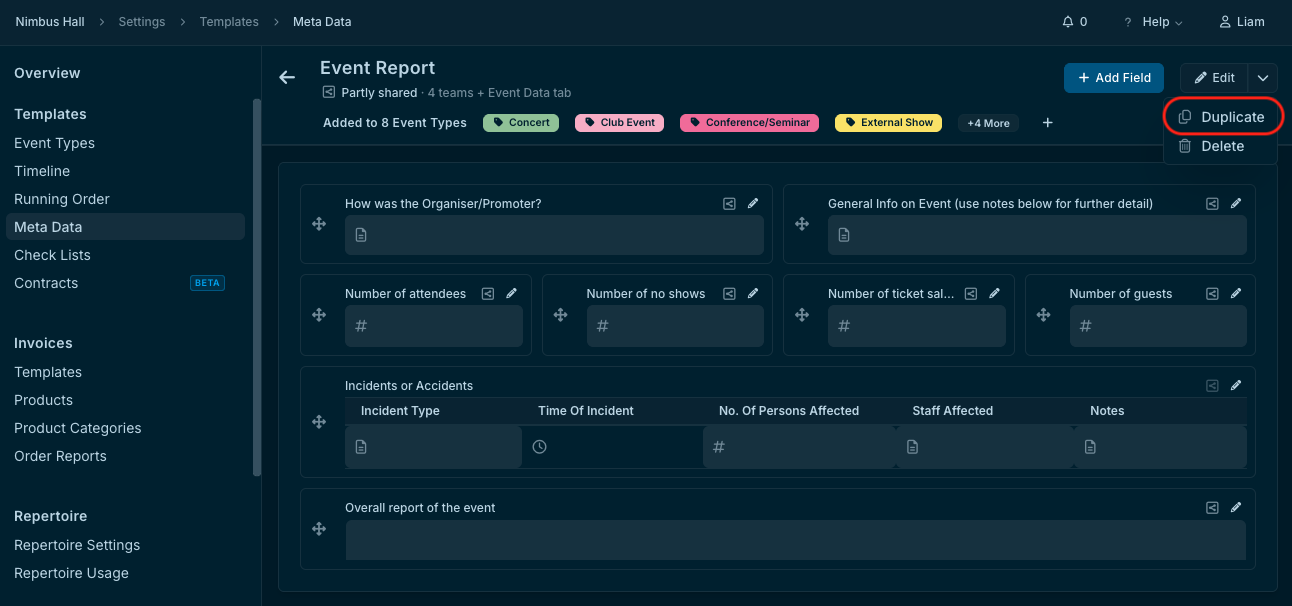
Metadata templates: Reuse your custom event fields as the base for a new set, so your data stays structured the same way across every event.
Timeline templates: Copy a proven schedule and adjust only the timings that change, whether that's an earlier load-in or a shorter changeover.
Running order templates: Start a new show's running order from one that already works, then reorder or rename items to suit.
Task templates: Keep your proven task lists consistent across event types, and adapt the copy for each team or format.
Checklist templates: Branch off a version for a new room, stage or event type without touching the original.
Handle the Paperwork: Contracts and Invoices
Admin documents tend to follow the same structure with small variations. Now those variations take minutes.
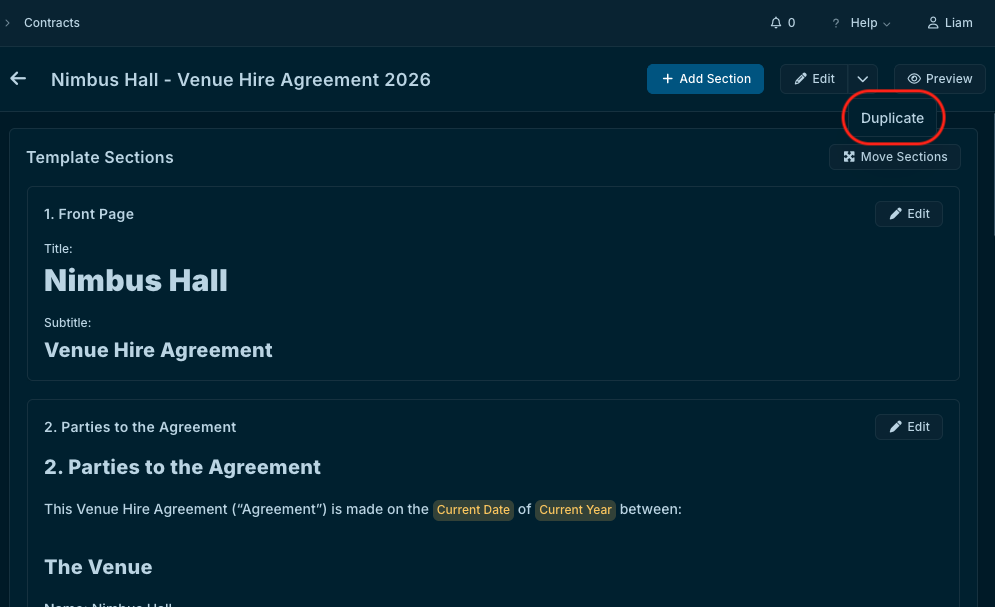
Contract templates: Duplicate a standard agreement and edit only the terms that differ for a new artist, promoter or venue hire.
Invoice templates: Create variants for different clients, currencies or event types from one invoice you've already set up.
Keep Everyone Informed: Emails and Info Sections
Clear communication is what makes a show run smoothly. Reuse the messages and information that already do the job.
Email templates: Copy a confirmation, advance or follow-up email and tailor the tone or details for a different audience.
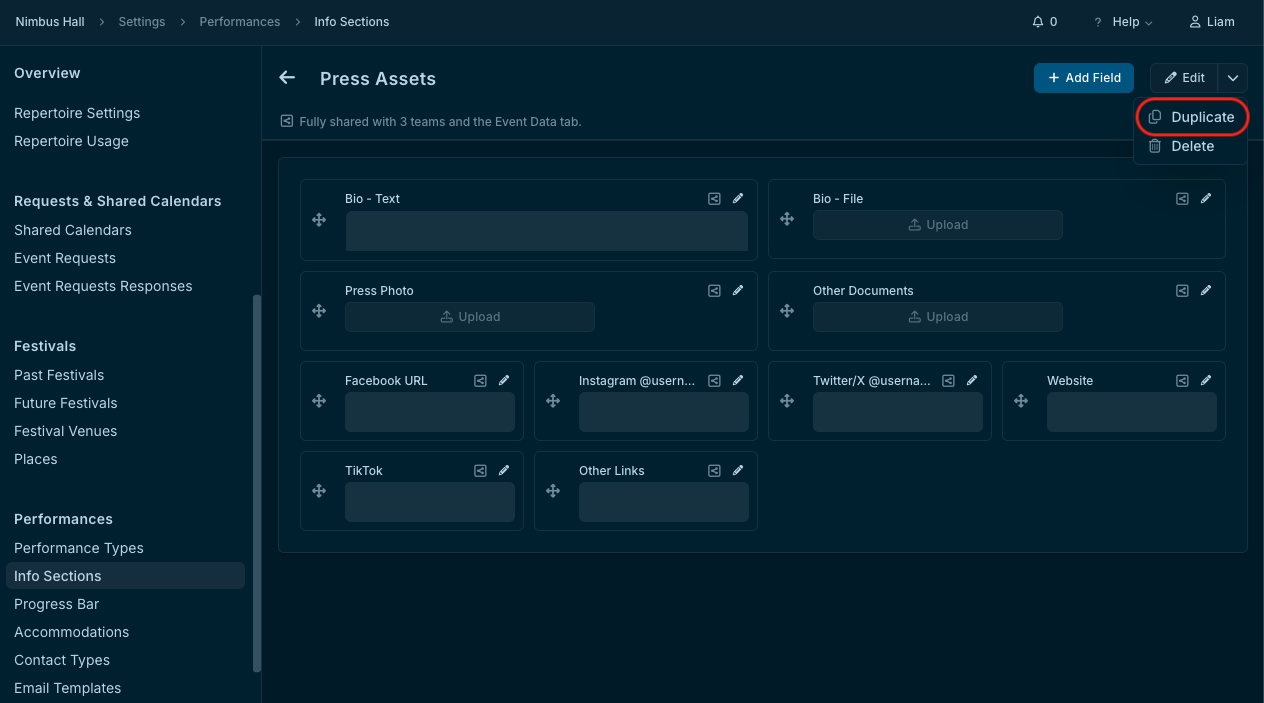
Info section templates: Duplicate the information you share and collect from artists and crew, such as technical riders and press assets, and update it for a new venue or event.
One source, many versions: Your original template stays untouched, so you can experiment freely with the copy.
The Result
Less repetitive setup and more time for the work that matters. Template duplication brings the best of your past planning into every new template, and it's available to all users now.
It pairs well with our recent Event Timeline upgrades, which let you save a live event's timeline as a template. Save it, duplicate it, and adapt it for your next event.
Try out Template Duplication now
Log in to Crescat and look for the “Duplicate” button whenever you’re setting up your templates. New to Crescat? Try it for free or book a demo.